
Wallets
Restore a wallet from Shamir shares
A Shamir backup (SLIP-39) splits one wallet into several share phrases of 20 or 33 words, and you only need some of them — for example any 2 out of 3. The number you need is the threshold that was chosen when the backup was made.
Steps
Part 1: Enter the shares
Tap RESTORE > Import > SHAMIR — the same first screens as in Restore from seed words.
On WALLET IMPORT, tap 20 WORDS or 33 WORDS to match your shares.
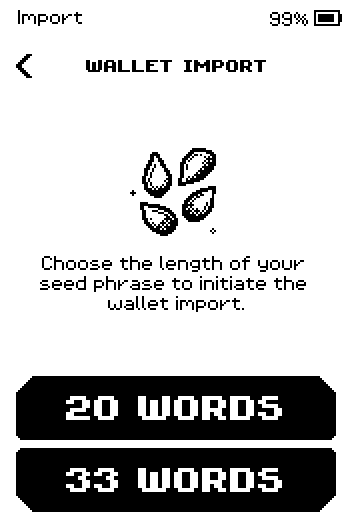
Wallet import screen with 20 WORDS and 33 WORDS buttons. On SHARE #1, take the first share phrase and tap NEXT.
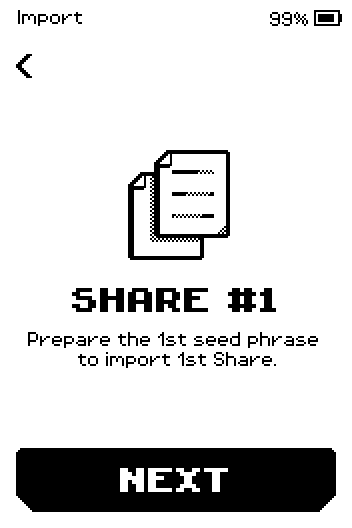
Share #1 screen: prepare the 1st seed phrase. Type the first letters of the first word and tap it in the suggestion row.
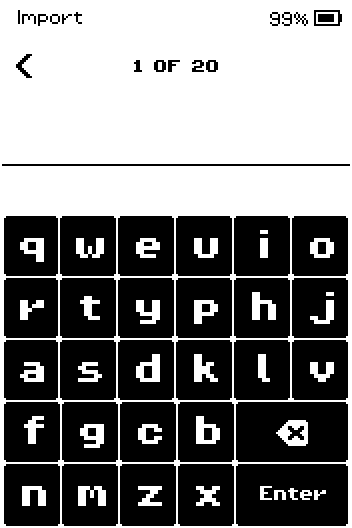
Word 1 of 20 with the on-screen keyboard. The keyboard works exactly as in Restore from seed words: you can also type the whole word and tap Enter.
Continue until the counter shows the last word, then tap Enter.
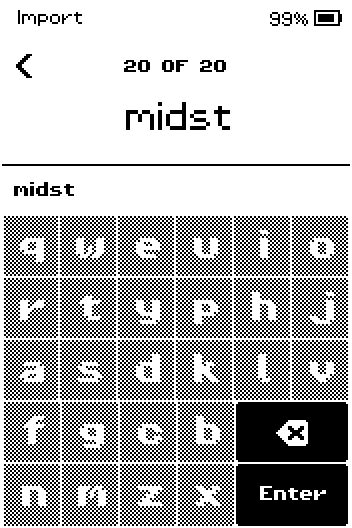
Word 20 of 20 typed in full, ready for Enter. Compare the list with your paper, swipe to the last page and tap NEXT. Tap any word to correct it.
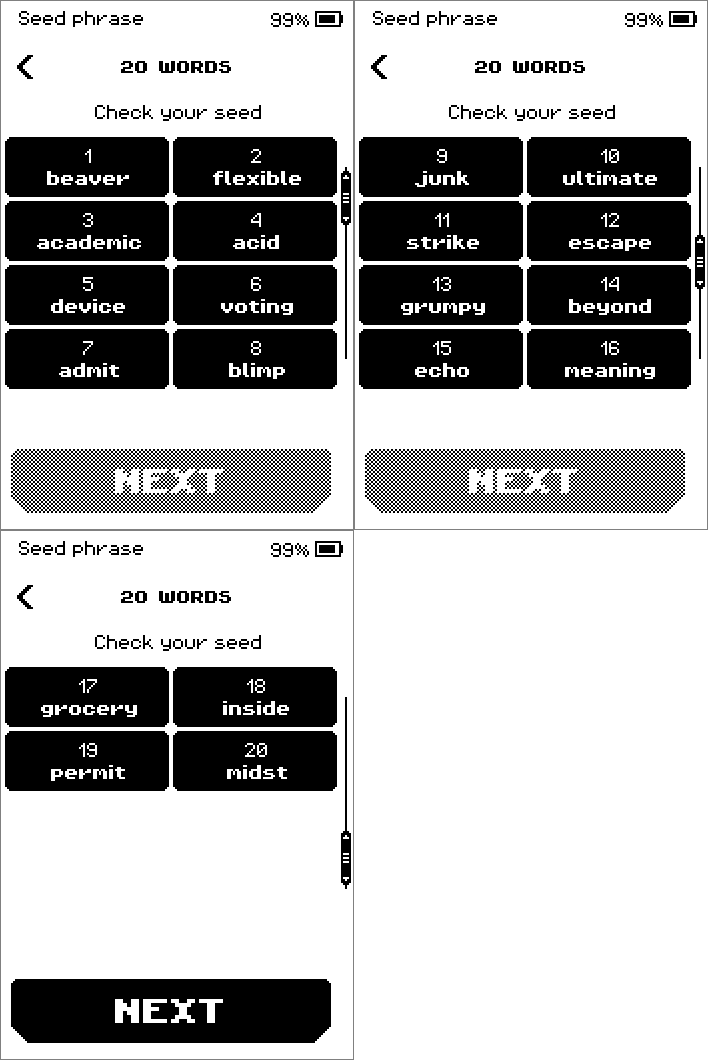
Check your seed pages listing the 20 words of share 1. On SHARE #2, take the next share phrase and tap NEXT. Repeat steps 4 to 6.
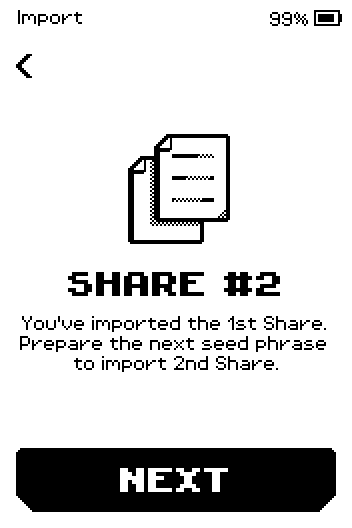
Share #2 screen: you've imported the 1st share. On SUCCESS, tap NEXT. This screen appears as soon as enough shares are in.
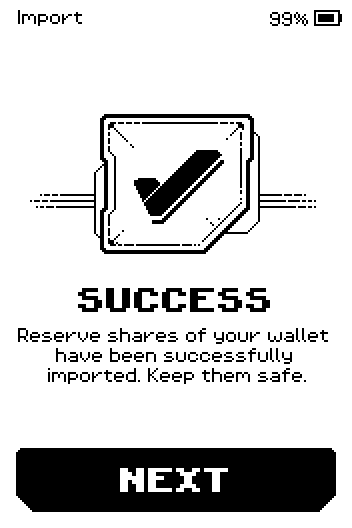
Success: reserve shares of your wallet have been imported.
Part 2: Finish the wallet
On ERA BACKUP, tap START to copy the restored wallet to ERA Recovery Cards (one per share), the recommended backup. Follow Back up to an ERA Recovery Card from SET PIN; restoring from cards is a tap, not typed words.
No ERA Recovery Card at hand?
Tap SKIP instead; you can write cards later from the wallet's settings.
On CREATE NAME, tap CREATE to name the wallet, or SKIP.
Pick an icon, tap CONFIRM, then DONE.
On LINK YOUR WALLET, tap LINK NOW or SKIP.
On YOUR WALLET IS READY!, tap FINISH. The device opens the WALLETS list (or the Main menu if this is the first wallet on the device).
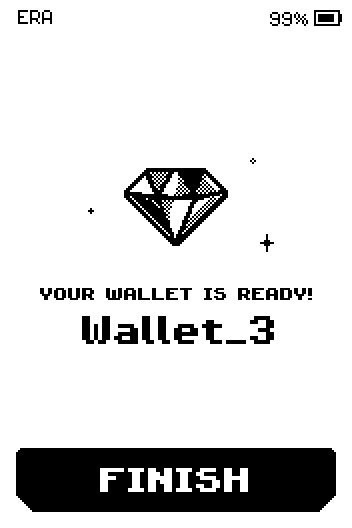
Your wallet is ready screen for Wallet_3.
Done
The wallet is rebuilt from your shares and listed under WALLETS (the Main menu shows first if it is the only wallet). Keep every share safe — the device does not store them.
Trouble?
Check your seed phrase! after NEXT → this share has a typo or swapped words. Tap BACK, fix the word (tap it on the list), and try NEXT again. Do not tap IGNORE.
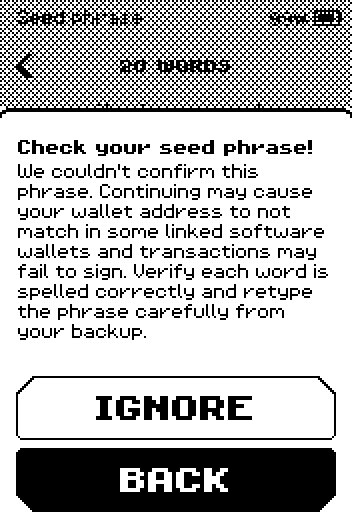
Check your seed phrase warning with IGNORE and BACK buttons. The device keeps asking for SHARE #3, #4, … even though you entered enough shares → one of the shares belongs to a different backup (a different wallet, or an older set of shares). The device accepts it without an error but can never complete the set. Start again with shares from the same set.
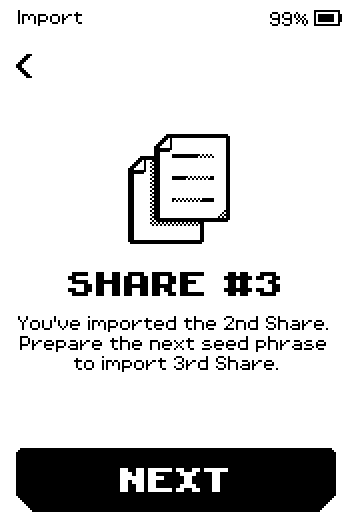
Share #3 requested after two shares from different backups. To start again, press the hardware button and tap EXIT. Nothing typed so far is kept.
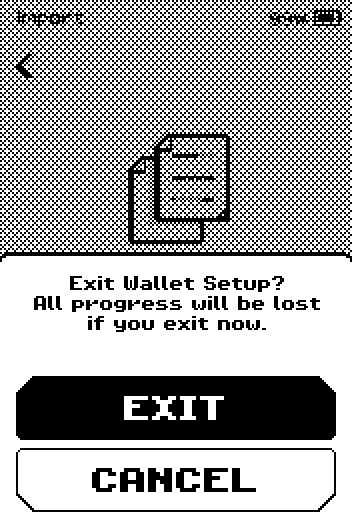
Exit Wallet Setup? confirmation with EXIT and CANCEL. Two shares have the same first words → that is normal. The first words identify the set; the rest differs.
You have fewer shares than the threshold → the wallet cannot be restored. There is no way around the threshold.