
Device settings and firmware updates
Erase data or reset the device
Erase data has three tiers, and each one needs the same five-second hold.
| Tier | Erases | Keeps |
|---|---|---|
| Erase 2FA codes | Every one-time code | Wallets, settings, device PIN |
| Erase wallets | Every wallet and its seed, multisig setups | 2FA codes, settings, device PIN |
| Erase everything | Wallets, 2FA codes, settings, device PIN | Nothing — the device starts like new and asks for the authenticity check again |
Before you start
Wallets: make sure you have the seed words or an ERA card for every wallet, and that you have tested them.
2FA: move the codes to another authenticator first; the websites will not know they are gone.
Steps
On the main menu, tap SETTINGS.
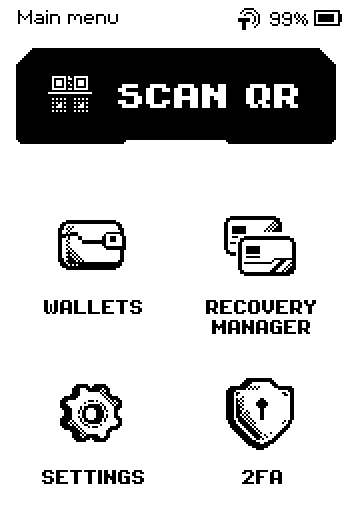
Main menu with SCAN QR, WALLETS, RECOVERY MANAGER, SETTINGS and 2FA Swipe up and tap Erase data.
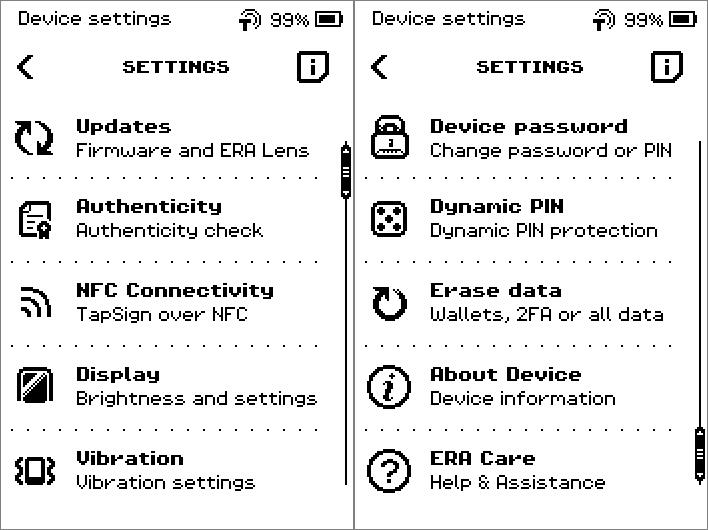
SETTINGS list, second page: Device password, Dynamic PIN, Erase data, About Device, ERA Care Tap the tier you want: Erase 2FA codes, Erase wallets or Erase everything. The confirmation page names it in the header and in the text.
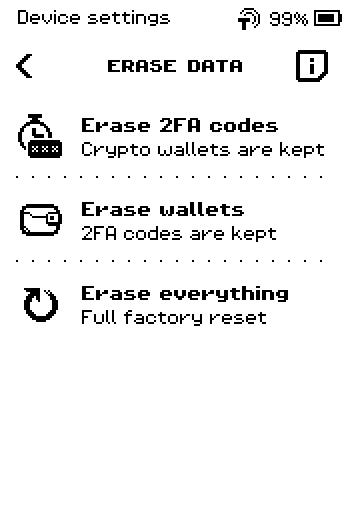
ERASE DATA menu: Erase 2FA codes, Erase wallets, Erase everything
What each tier erases (the i page)
On the ERASE DATA menu, tap the i icon to read what each tier does, then the X to close.
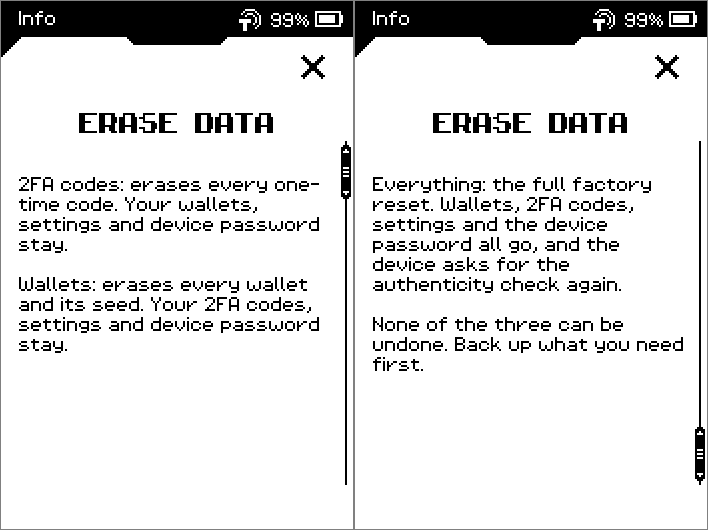
Warning: Nothing after the hold can be undone. Check the header and the sentence on the confirmation page against the table, and tap the back chevron if you picked the wrong tier.
Press and hold CONFIRM for five seconds. The progress bar fills while you hold.
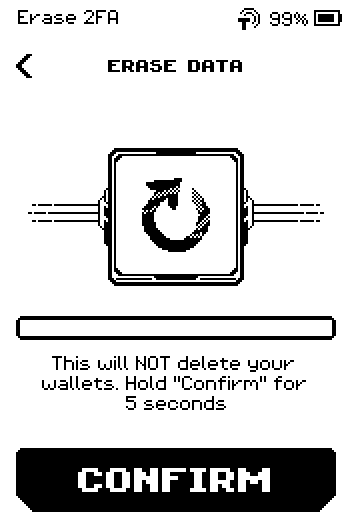
Erase 2FA confirmation: This will NOT delete your wallets, hold Confirm for 5 seconds
The other two confirmation pages
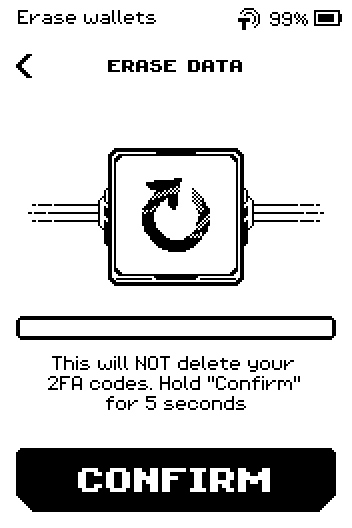
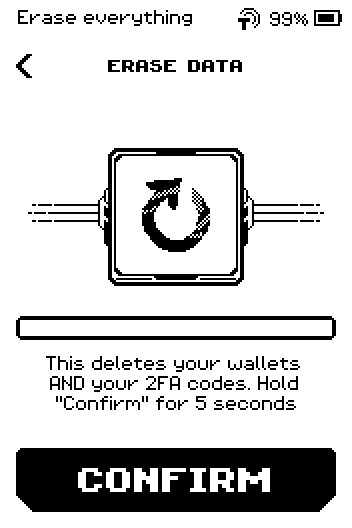
Each tier has its own wording so you can tell them apart before you hold.
Erase wallets — header Erase wallets, text This will NOT delete your 2FA codes.
Read the result message. It closes by itself after ten seconds.
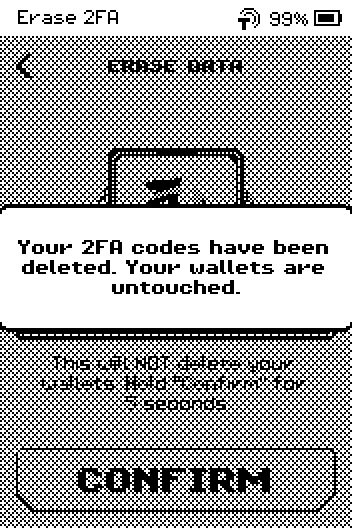
Alert: Your 2FA codes have been deleted. Your wallets are untouched. Wait for the restart.
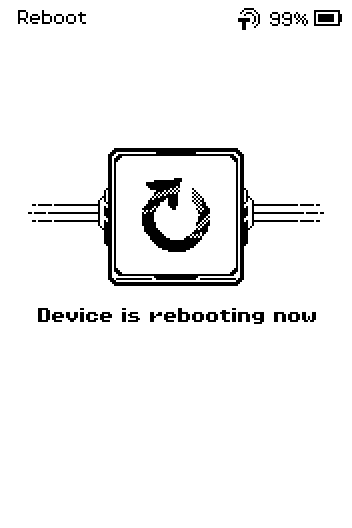
Reboot page: Device is rebooting now
Done
After Erase 2FA codes or Erase wallets, the device restarts and asks for your usual PIN. The message reads Your 2FA codes have been deleted. Your wallets are untouched. or Your wallets have been deleted. Your 2FA codes are untouched.
After Erase everything, the message reads Your device has been reset to factory settings. The device restarts into first-time setup: authenticity check, then a new PIN.
Trouble?
The bar empties when you lift your finger → the hold was shorter than five seconds; hold again without moving.
You held CONFIRM but changed your mind → releasing before the bar fills cancels; the back chevron returns to the tier menu.
The device asks for the authenticity check after a partial erase → that only happens after Erase everything; contact support if you see it after the other tiers.
Related
Change the device PIN — five wrong PINs trigger the same full erase