
Two-factor authentication (2FA)
Two-factor authentication (2FA) on ERA
ERA can hold the second factor for your online accounts, so the codes that protect your email, exchange or GitHub login live on the same offline device as your keys, not on your phone.
What the 2FA tile holds
Authenticator codes (TOTP): the six-digit codes that change every 30 seconds, the same kind Google Authenticator or Authy shows. The list holds up to 40 of them.
Steps
On the Home screen, tap 2FA.
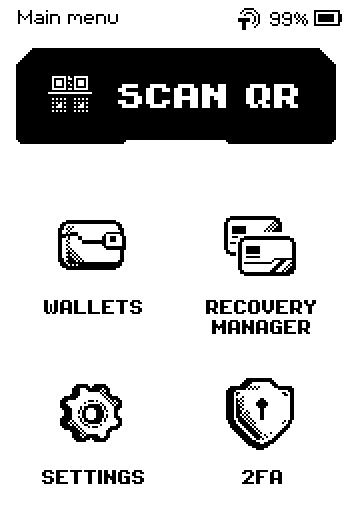
ERA Home screen with SCAN QR, WALLETS, RECOVERY MANAGER, SETTINGS and 2FA tiles Read the list. Each row shows the current code, the site name and your account name.
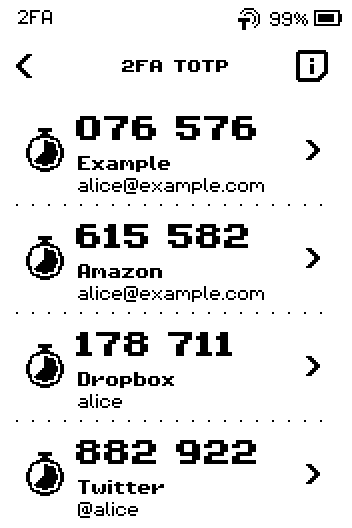
2FA TOTP list with four accounts, each with a code and a countdown ring Tap the info button in the header. The built-in help opens.
Swipe up to read the second help page.
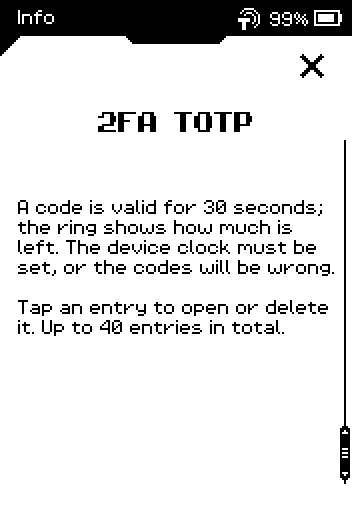
Info page: a code is valid for 30 seconds; the ring shows how much is left; up to 40 entries Tap the X to close the help. ERA returns to the list.
Done
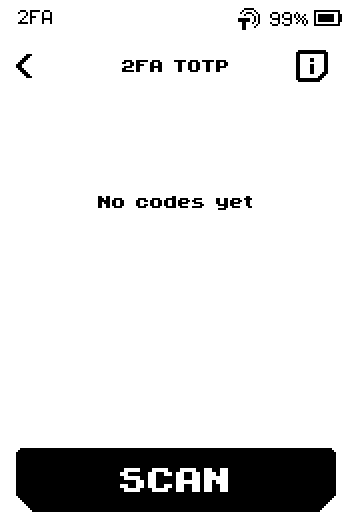
You are on the 2FA TOTP list. If it says No codes yet, add your first account with Add an authenticator account (TOTP).
Related
Add an authenticator account (TOTP) — scan a site's QR, or import from Google Authenticator
Keep the device time correct for 2FA codes — codes only work when the clock is right