
Backups and recovery
Back up with Shamir shares
A Shamir backup splits the wallet into shares. With 3 shares and a threshold of 2, any 2 of the 3 shares restore the wallet, and one share alone reveals nothing. Shares are chosen during wallet creation; this guide starts at the BACKUP TYPE screen of the Expert setup.
Before you start
Each share is a separate list of 20 or 33 words. Plan one sheet of paper per share.
Decide where each share will live before you start; the point is to keep them apart.
Part 1: Choose shares and threshold
On BACKUP TYPE, tap PAPER.
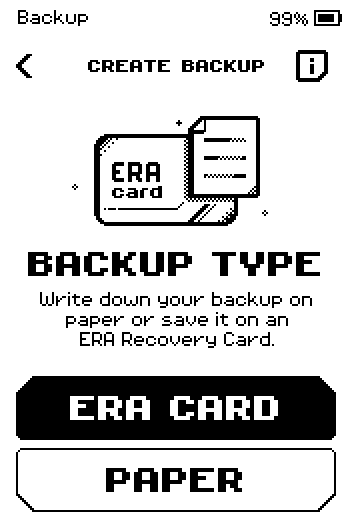
BACKUP TYPE screen with ERA CARD and PAPER buttons. On BACKUP SETUP, tap SHAMIR.
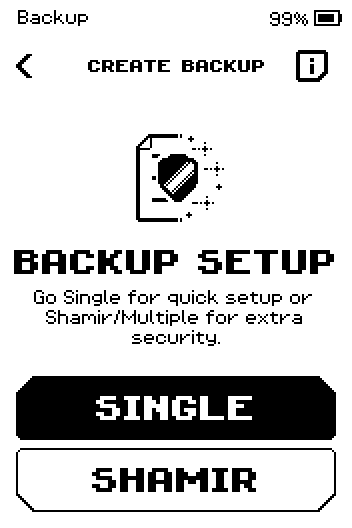
BACKUP SETUP screen with SINGLE and SHAMIR buttons. Tap 20 WORDS or 33 WORDS (the length of each share).
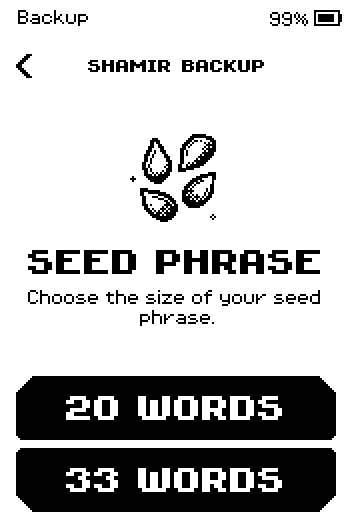
SEED PHRASE screen with 20 WORDS and 33 WORDS buttons. Tap START. (i explains the method.)
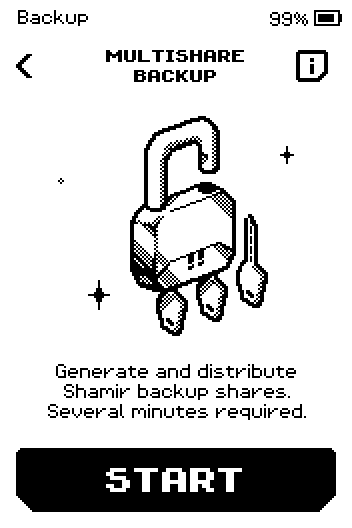
MULTISHARE BACKUP intro with a START button and an i button in the header. Set the number of SHARES with the arrows, then tap NEXT.
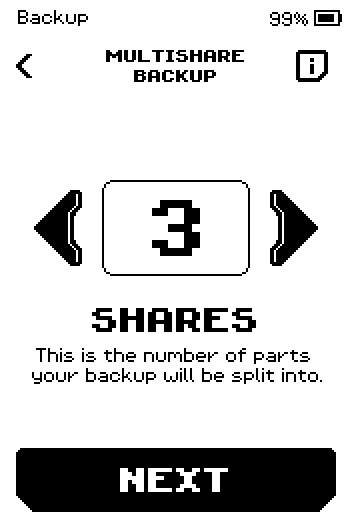
SHARES picker showing 3, with a NEXT button. Set the THRESHOLD (shares needed to restore), then tap NEXT.
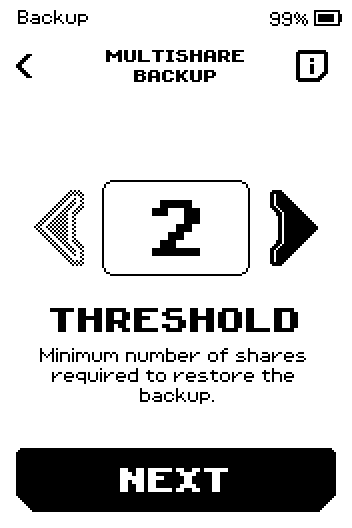
THRESHOLD picker showing 2, with a NEXT button.
Part 2: Write down every share
Make sure nobody can see the screen, then tap START.
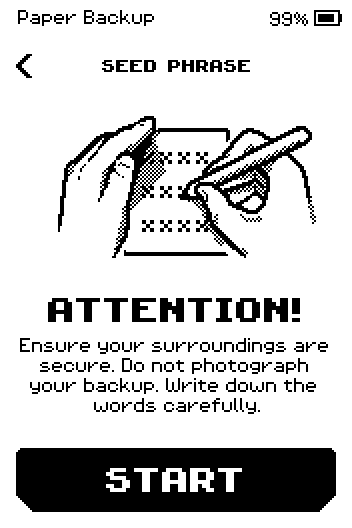
ATTENTION screen: secure your surroundings, do not photograph your backup, with a START button.
Warning: Any set of shares that reaches the threshold can spend your funds. Keep the sheets apart and offline.
On SHARE #1, tap NEXT.
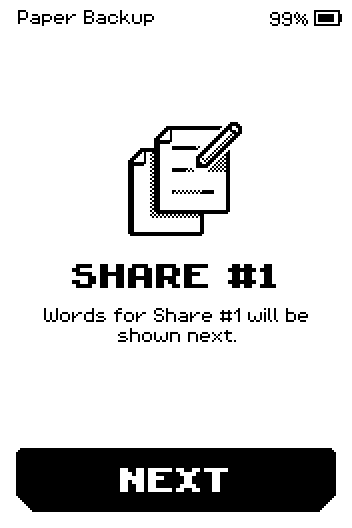
SHARE #1 intro: words for Share #1 will be shown next, with a NEXT button. Write down every word with its number, on the sheet for this share. Swipe up for more.
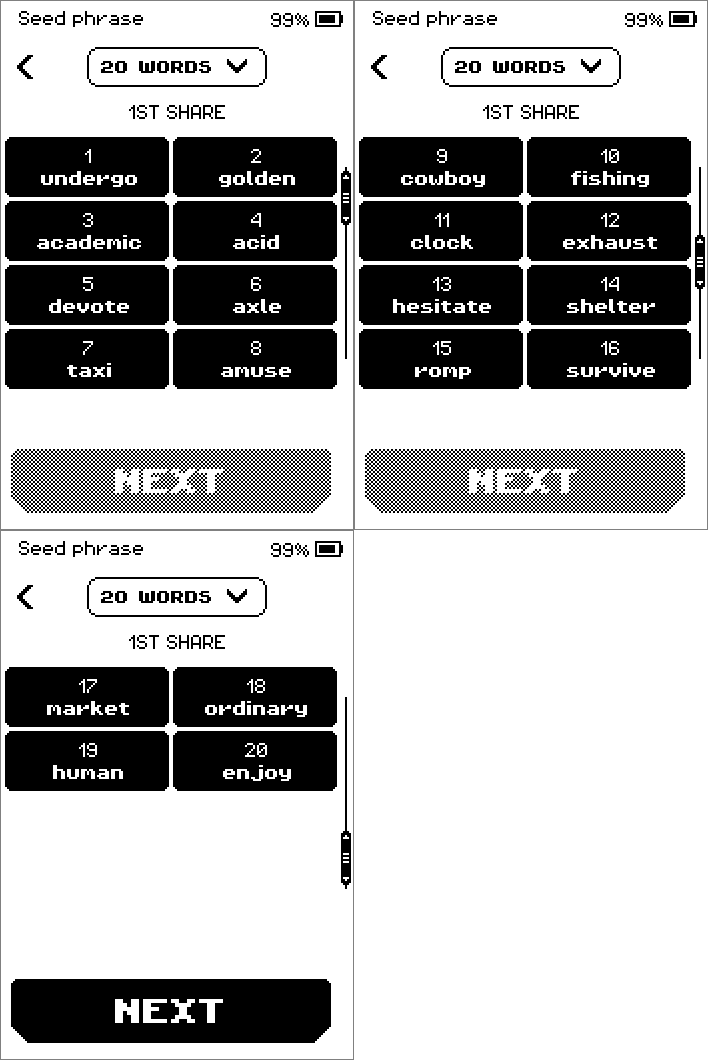
1ST SHARE word pages showing 20 numbered words, with a NEXT button. On the last page, tap NEXT. Repeat steps 2–3 for every share.
Part 3: Check every share
On CONFIRM SEED PHRASE, tap NEXT.
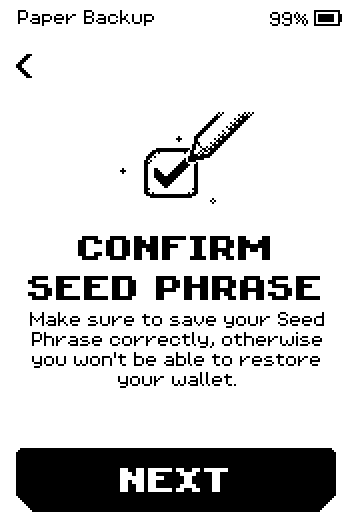
CONFIRM SEED PHRASE intro screen with a NEXT button. On SHARE #1, tap NEXT.
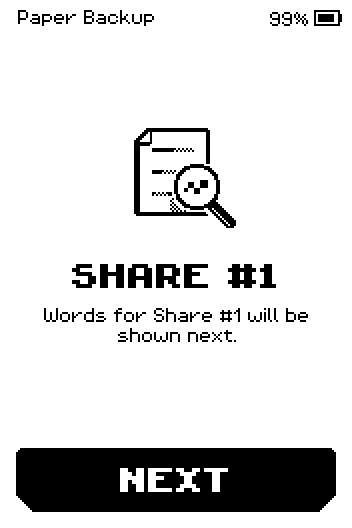
ERA: SHARE #1 check intro. Compare CONFIRM SHARE #1 with your sheet, swipe to the end, then tap CONFIRM.
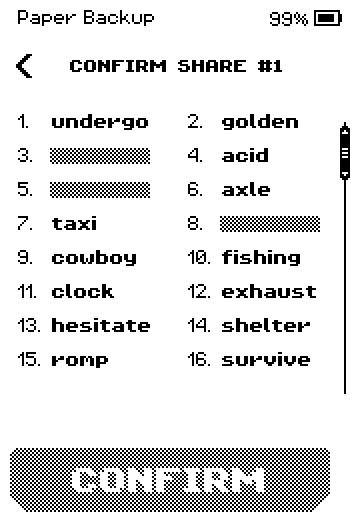
CONFIRM SHARE #1 list with three words hidden and a CONFIRM button. For each of the 3 steps, tap the word that has the number shown.
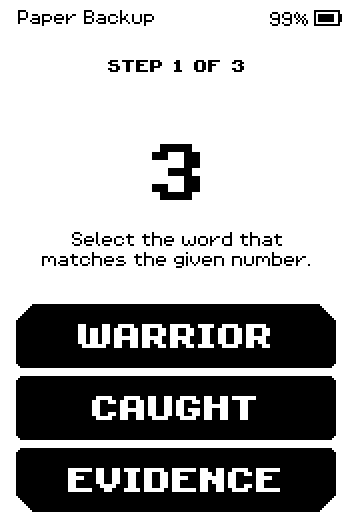
STEP 1 OF 3: pick the word for number 3 from three choices. Tap NEXT on SHARE #2 and repeat steps 3–4 for every share.
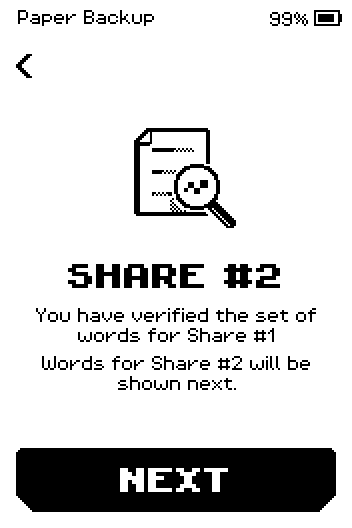
SHARE #2 screen: you have verified Share #1, words for Share #2 will be shown next. Tap NEXT on SUCCESS.
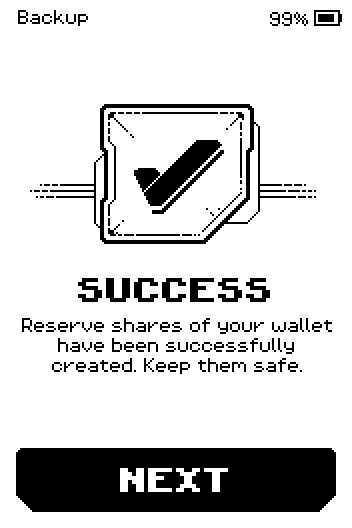
SUCCESS: reserve shares of your wallet have been created, with a NEXT button. Tap SKIP on ERA BACKUP, or START to also write the shares to ERA cards.
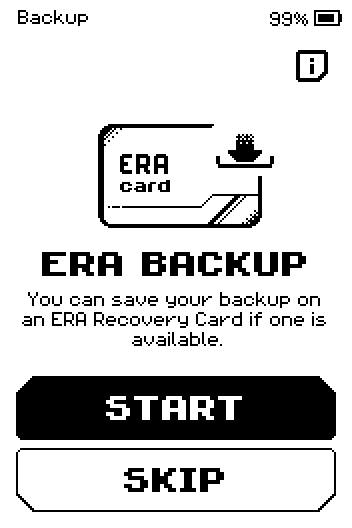
ERA BACKUP offer with START and SKIP buttons.
Done
Every share is on its own sheet and checked. The wallet setup continues with the name and icon — see Create a wallet in Expert mode.
Trouble?
Incorrect word → tap the word that stays black, then answer the new number. Check that sheet.
YOU MADE 5 MISTAKES → tap START OVER; the words of that share are shown again.
CONFIRM is grey on the share list → swipe up to the last words of the share first.
You want to restore later → you need any threshold number of shares, for example 2 of 3. See Restore from Shamir shares.