
Backups and recovery
Back up on paper (seed words)
ERA shows the seed words once, while the wallet is being created (or right after it is restored from an ERA card). This guide starts at the BACKUP TYPE screen of the Expert setup; in Standard setup the same words screens appear after you tap NO CARD.
Before you start
Use pen and paper, or the backup sheet from the box — not a photo, a note app or a cloud file.
Write the number with each word; the order matters.
Plan where the paper will live: somewhere dry, private and away from the device, for example a safe or with a person you trust.
Steps
On BACKUP TYPE, tap PAPER.
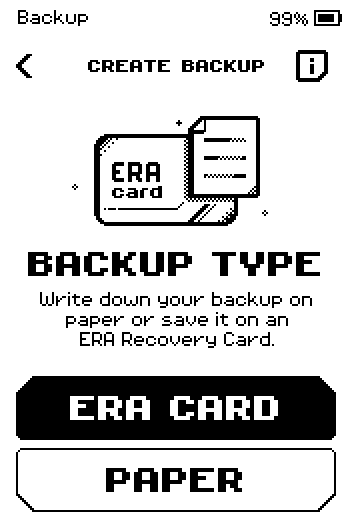
BACKUP TYPE screen with ERA CARD and PAPER buttons. On BACKUP SETUP, tap SINGLE.
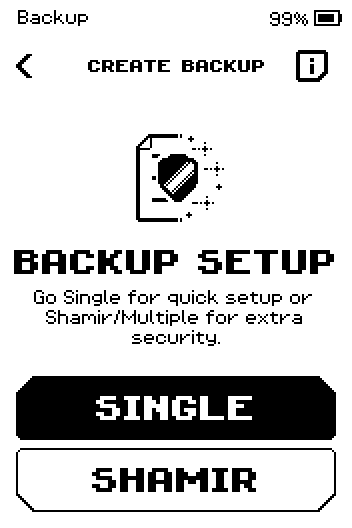
BACKUP SETUP screen with SINGLE and SHAMIR buttons. Tap 12 WORDS or 24 WORDS.
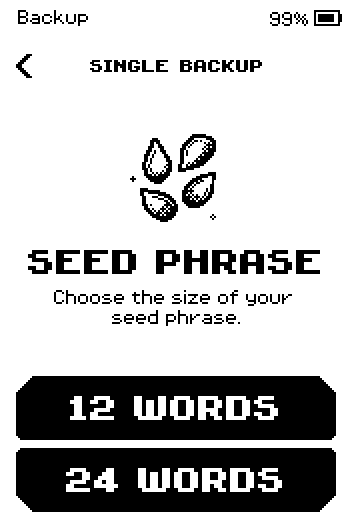
SEED PHRASE screen with 12 WORDS and 24 WORDS buttons. Make sure nobody can see the screen, then tap START.
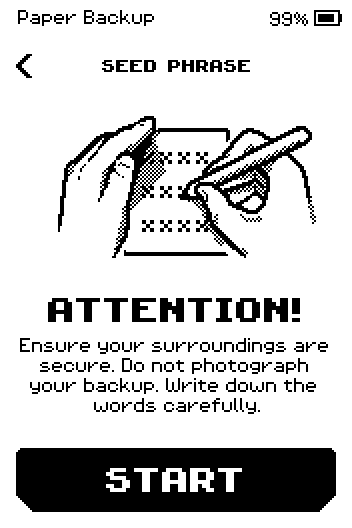
ATTENTION screen: secure your surroundings, do not photograph your backup, with a START button.
Warning: Anyone who has these words can spend your funds. Keep the paper offline and out of sight.
Write down every word with its number. Swipe up for the next words.
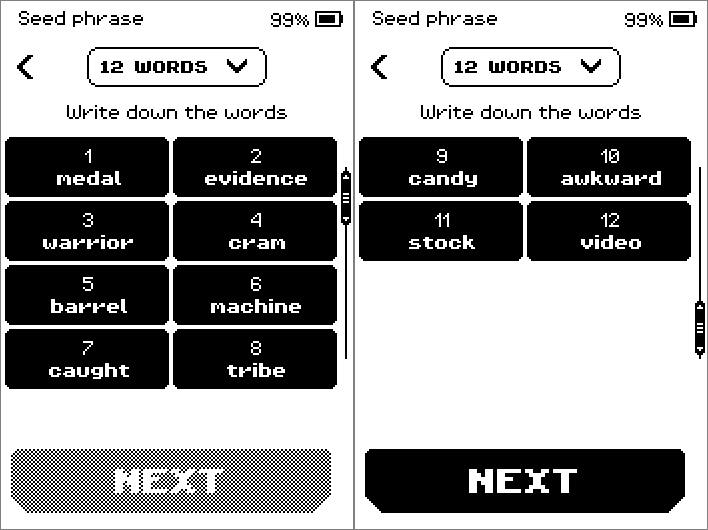
Seed phrase pages showing numbered words, eight per page, with a NEXT button. On the last page of words, tap NEXT.
On CONFIRM SEED PHRASE, tap NEXT.
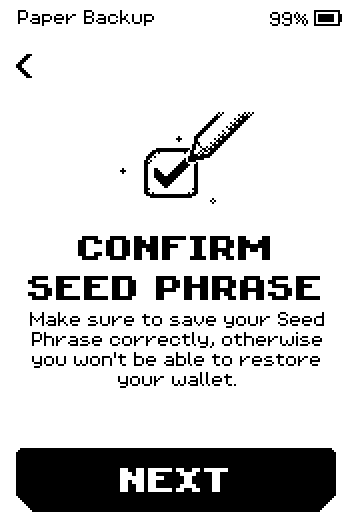
CONFIRM SEED PHRASE intro screen with a NEXT button. Compare the list with your paper, then tap CONFIRM. The three hidden words are the ones the device will ask about.
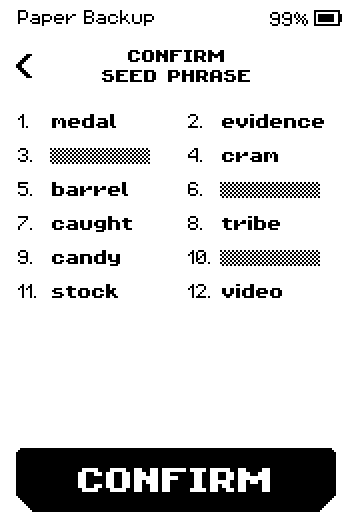
CONFIRM SEED PHRASE list with three words hidden and a CONFIRM button. For each of the 3 steps, tap the word that has the number shown.
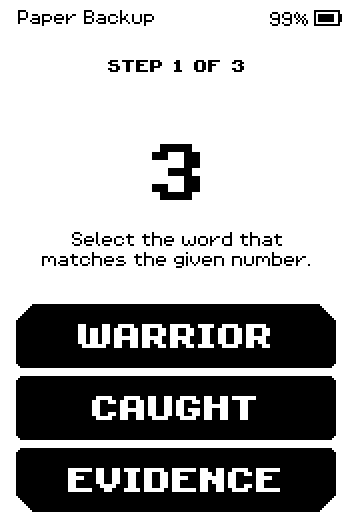
STEP 1 OF 3: pick the word for number 3 from three choices. Tap SKIP on ERA BACKUP, or START to also write the backup to an ERA card.
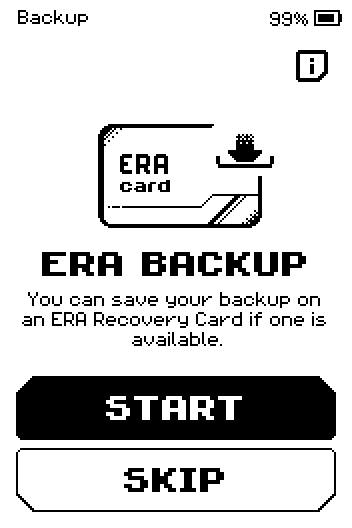
ERA BACKUP offer with START and SKIP buttons.
Done
Your seed words are on paper and the device has checked three of them. The wallet setup continues with the name, icon and link — see Create a wallet in Expert mode.
Trouble?
Incorrect word → the right word stays black for a moment; tap it, then the device asks a different number. Check your paper for that number.
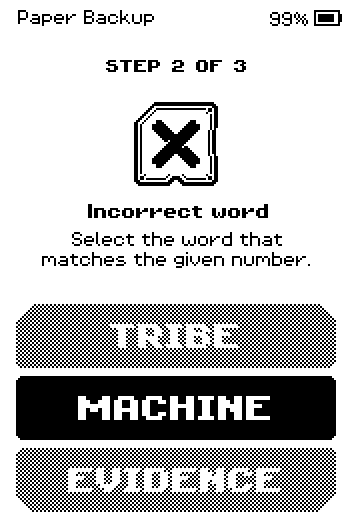
Incorrect word feedback with the right answer highlighted. YOU MADE 5 MISTAKES → your paper does not match. Tap START OVER; the words are shown again so you can rewrite them.
NEXT under the words is grey → swipe up to the last page of words first.
You need the words later, but only have an ERA card → RECOVERY MANAGER > Read seed shows them. See Use the Recovery Manager.
You lost the paper and have no card → ERA cannot show the words again. Move the funds to a new wallet with a fresh backup.