
Linking
Link Rabby
Steps
Part 1: On the ERA
On the wallet screen, tap the settings icon (sliders) > Link. See Open the Link menu.
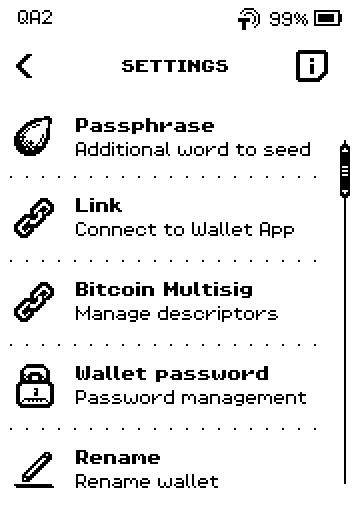
ERA: Wallet settings. On the wallet list, tap Rabby.
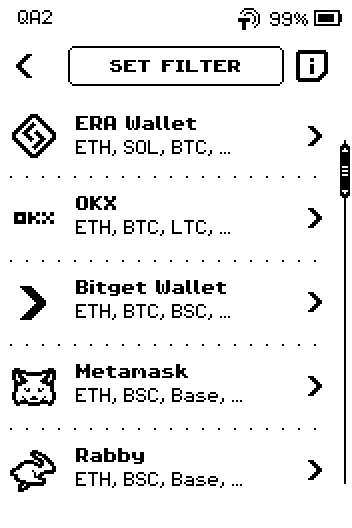
ERA: Wallet app list. On DOWNLOAD Rabby, tap the store for your phone: IOS or ANDROID.
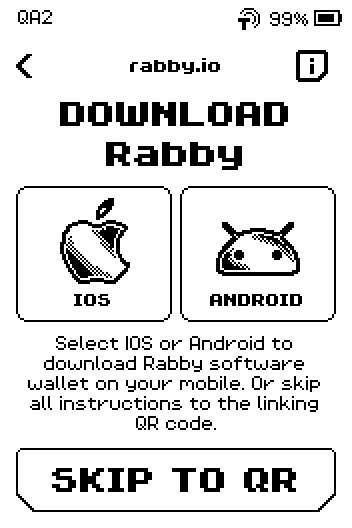
ERA: Download Rabby. On the store page, tap NEXT. If Rabby is not on your phone yet, scan the store QR with your phone first.
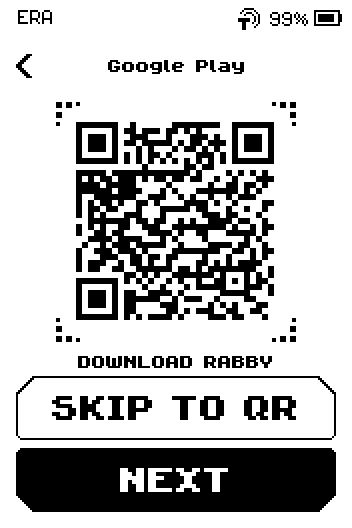
ERA: Download Rabby from Google Play. Swipe up to the last page of CONNECT Rabby.
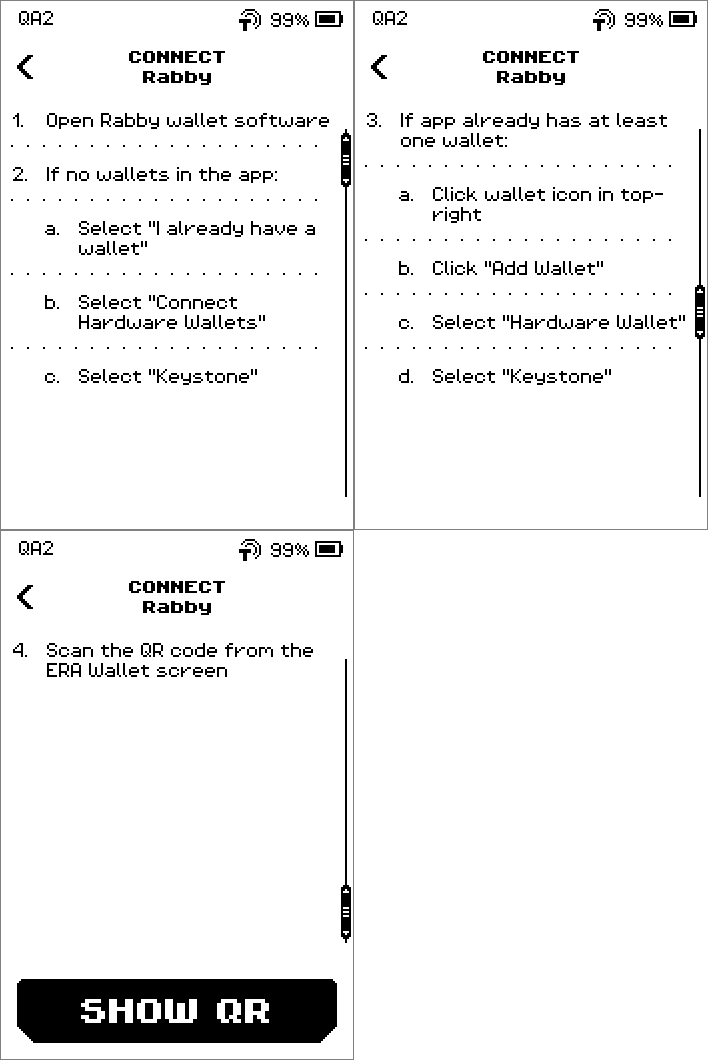
ERA: Connect Rabby. Tap SHOW QR.
QR FOR LINK appears. Leave it on screen.
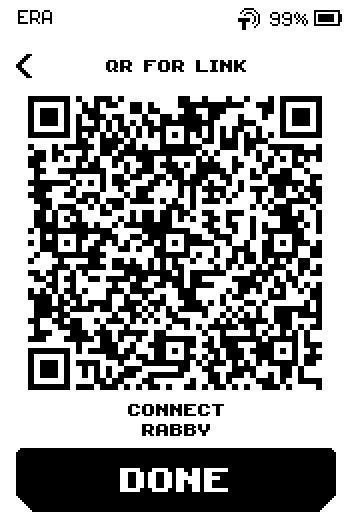
ERA: QR for link.
Part 2: In Rabby
The device shows these steps; they are repeated here.
Open Rabby.
Tap I already have a wallet > Connect Hardware Wallets > Keystone.
Image coming soon — Phone screen — Rabby hardware wallet list with KeystonePhone: Connect hardware wallets.
Point the phone camera at the ERA screen and hold still until Rabby lists the accounts.
Image coming soon — Phone screen — Rabby account list after scanning the ERA QRPhone: Account list.
Tap the accounts you want to add, then confirm.
On the ERA, tap DONE. The device returns to the wallet SETTINGS.
If Rabby already has a wallet
Instead of step 2: tap the wallet icon in the top-right, then Add Wallet > Hardware Wallet > Keystone.
Done
Rabby shows a Keystone-type account with your ERA Ethereum address, and the ERA is back on SETTINGS.
Trouble?
Rabby shows different addresses than the ERA DEPOSIT screen → switch the derivation path in Rabby's import list to the one matching the ERA; see Supported chains.
Scanning never completes → see Linking problems.