
Bitcoin multisig
Sign a multisig transaction
The coordinator app builds the transaction and shows it as a PSBT (an unsigned Bitcoin transaction) QR code. ERA signs its share; the coordinator then collects the remaining signatures from the other cosigners.
Steps
In the coordinator app, create the transaction and open its QR code for the ERA cosigner.
Image coming soon — coordinator app (Sparrow) transaction screen with the animated PSBT QR code shown for the ERA cosignerOn ERA, open the cosigner wallet and tap SIGN. (Or tap SCAN QR on the Main menu; ERA picks the cosigner wallet.)
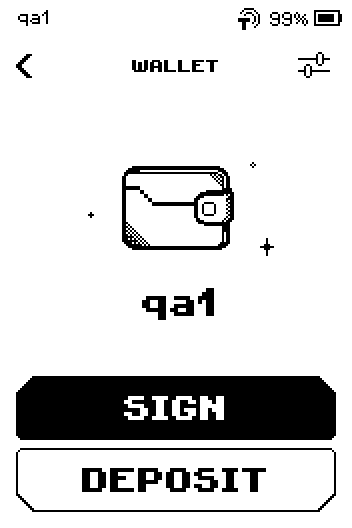
Wallet page qa1 with SIGN and DEPOSIT buttons
Starting from SCAN QR on the Main menu
The review page is the same; the status bar shows the cosigner wallet ERA picked (here qa1) and Descriptor shows the saved descriptor name. See SCAN QR: one button for everything.
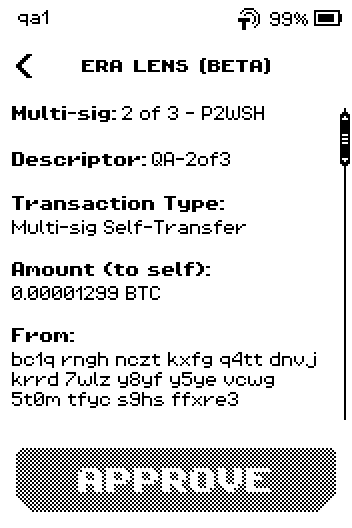
Multisig review page reached from SCAN QR; status bar reads qa1, Descriptor QA-2of3
Point the ERA camera at the phone screen. Keep it steady until the screen changes; an animated QR code takes a few seconds.
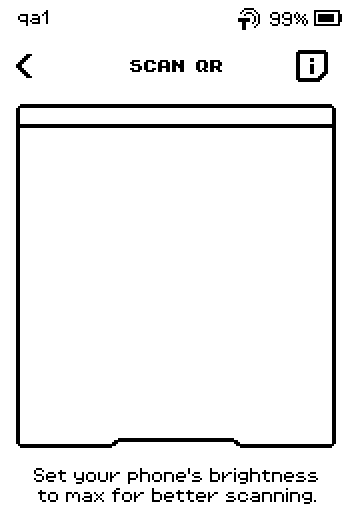
SCAN QR page with an empty camera frame Check the first page. Multi-sig shows the rule and format, Descriptor shows the wallet name ERA recognised, then the transaction type, Amount and From.
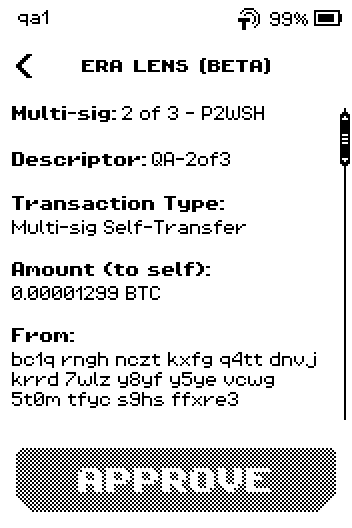
ERA LENS page with Multi-sig 2 of 3 P2WSH, Descriptor QA-2of3, Amount Swipe up through the remaining pages: Fee, any change going back to the wallet marked "(verified)", then the totals.
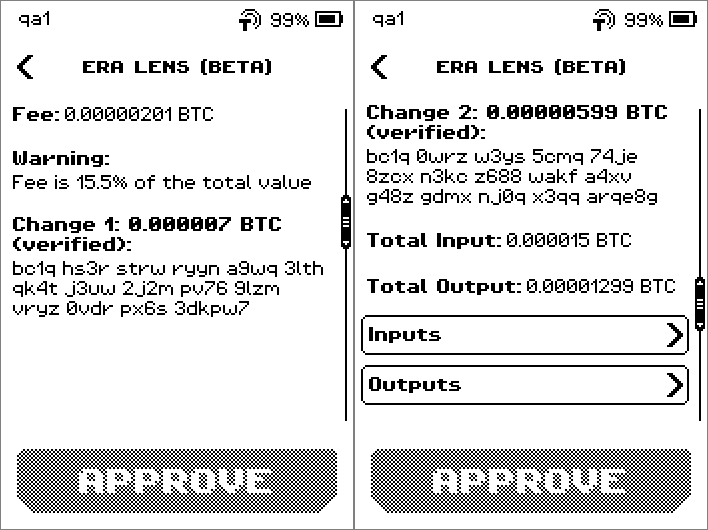
Paging through Fee, Change 1 and 2 verified, Total Input and Output On the last page, check Sign Status (for example "0 of 2 signed") and tap APPROVE. ERA shows the signed transaction as an animated QR code.
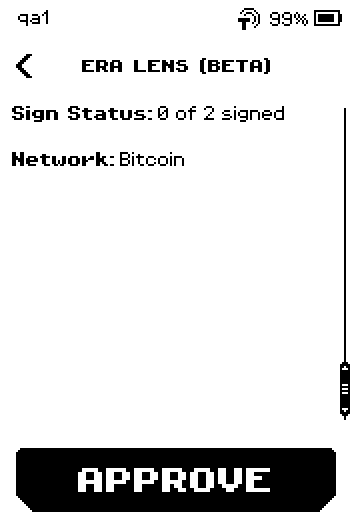
Last review page with Sign Status 0 of 2 signed, Network Bitcoin, APPROVE Show the SCAN TO APPROVE QR code to the phone camera. It is animated; hold the phone still until the coordinator has read it all.
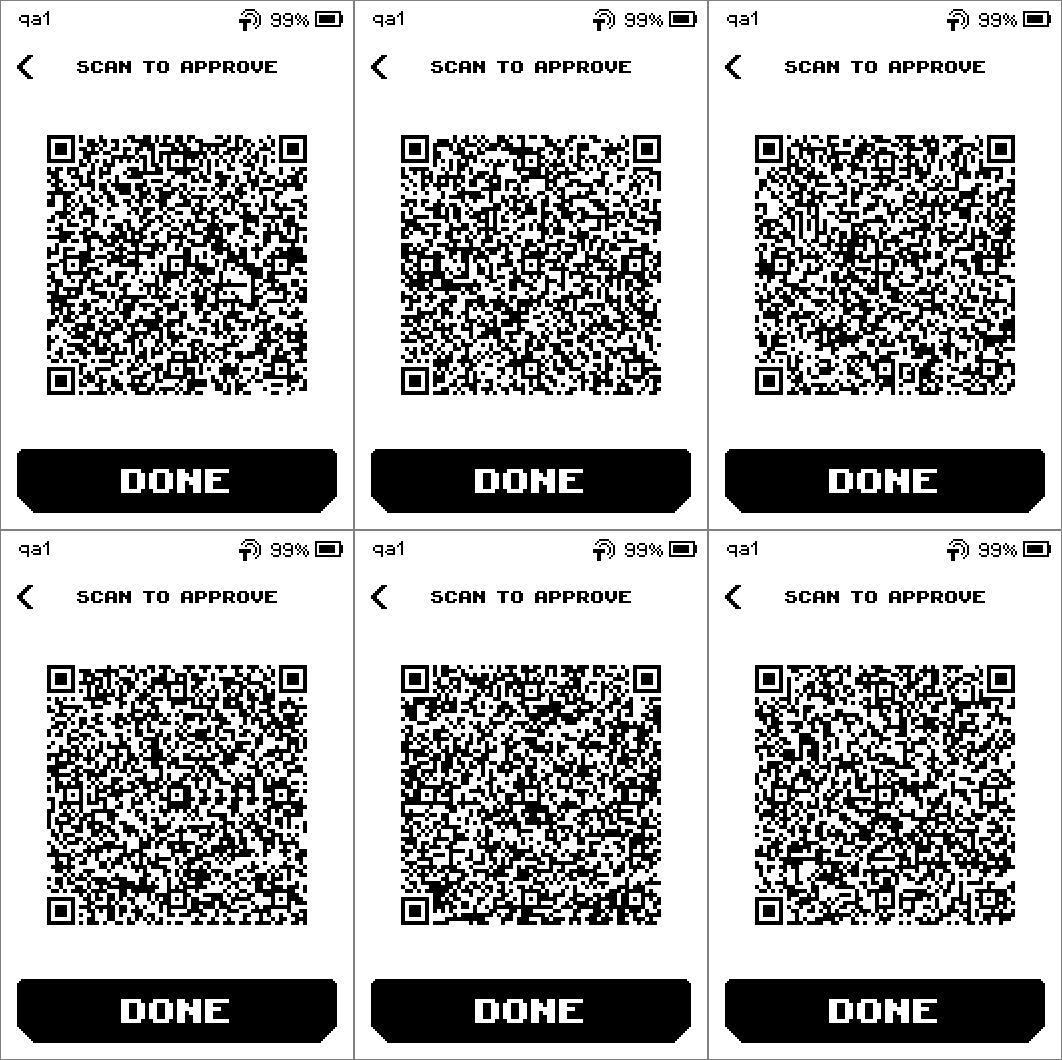
SCAN TO APPROVE page with the animated signed-transaction QR code In the coordinator app, choose to scan the signed transaction. The transaction now shows ERA's signature.
Image coming soon — coordinator app scanning the ERA screen; the transaction now shows one signature of twoOn ERA, tap DONE.
Collect the second signature from another cosigner in the coordinator, then broadcast.
Image coming soon — coordinator app with 2 of 2 signatures collected and the Broadcast button
Done
The coordinator shows the transaction as signed by ERA. Once the required number of cosigners has signed, the coordinator broadcasts it.
Trouble?
UNKNOWN DESCRIPTOR → the multisig descriptor is not saved on this wallet. Tap CANCEL, import the descriptor, and scan again. If you tap CONTINUE, the Descriptor row reads "Not registered" and ERA cannot verify which outputs are change.
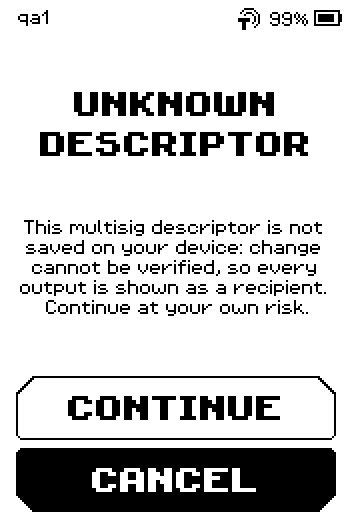
UNKNOWN DESCRIPTOR warning with CONTINUE and CANCEL CHANGE FRAUD → an output labelled as change does not belong to the wallet. ERA did not sign. Tap CLOSE and check the transaction in the coordinator before trying again.
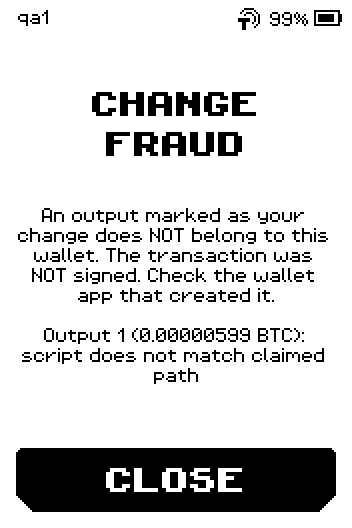
CHANGE FRAUD page: the transaction was NOT signed, CLOSE ALREADY SIGNED → this wallet's signature is already in the transaction. Tap BACK; the coordinator needs a different cosigner now.
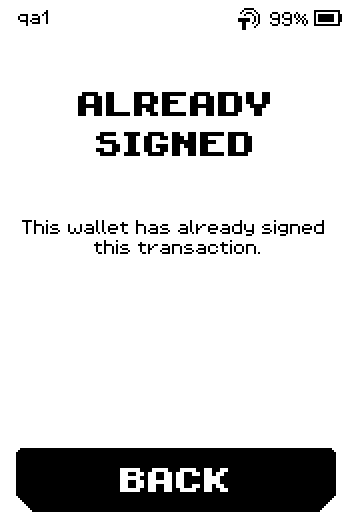
ALREADY SIGNED page with BACK A Warning row reading "Fee is 15.5% of the total value" on the review page → informational for small transactions; check the fee in the coordinator if it surprises you.